Measure the store handoff that completes click-and-collect.
Review the physical click-and-collect handoff with a brief gesture at the collection exit, without turning ThumbsUp into an order-tracking system.
Read the guideThumbsUp gives retail operations teams a touchless way to invite a short service rating at checkout, fitting-room, service-desk or collection points. A shopper faces a compatible camera-equipped Android tablet, gives a hand gesture, and authorized managers review the signal by configured store, device and time.
This page concerns the in-store service experience. It is not a product-review, ecommerce, shopper-identification or recommendation workflow, and the device should never block the customer path.
Choose a service point for retail stores
Retail touchpoints: checkout, fitting room, service desk, or collection exit
Invite an optional service gesture
Supported gesture at the camera.
Review the retail stores signal
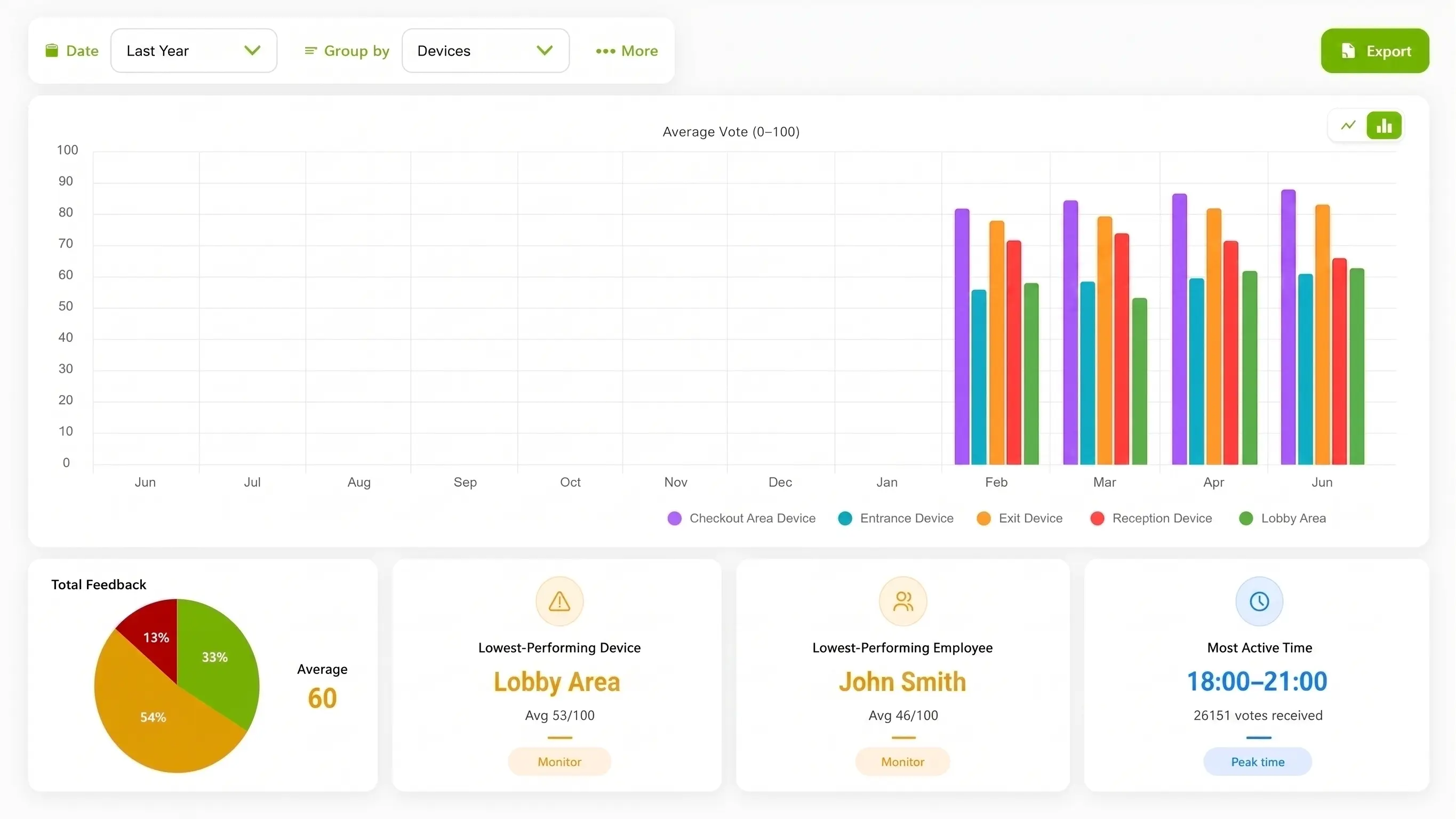
Store and time context for retail operations review
Set one short service question.
More industry guides
Compare related service moments.
Review the physical click-and-collect handoff with a brief gesture at the collection exit, without turning ThumbsUp into an order-tracking system.
Read the guideCapture a brief post-try-on service signal outside private fitting rooms and review store, device, and time context with ThumbsUp.
Read the guideMap checkout, fitting-room, desk, and exit feedback points so retail teams can compare store service moments with ThumbsUp.
Read the guideMeasure the returns-desk interaction with a short, touchless signal after an exchange or refund conversation, keeping order details separate.
Read the guideWhy store feedback needs a physical workflow
The question a shopper can answer at a service point is different from a product review or an online order survey. Name the moment, choose a calm place to pause, and let the store team investigate the signal with its own records.
Checkout, fitting-room help, collection and returns each create a different service moment. Keep the prompt about the interaction a manager can improve.
A device by the exit should leave a route for shoppers, carts and mobility aids. A fitting-room point may need a different position and owner.
A dip after a layout change can prompt a queue or staffing review. It does not identify a shopper, product preference or employee cause by itself.
A store-level feedback sequence
Retail teams get a clearer signal when the placement, store label and operating question agree. Start with one moment that a store manager can observe and act on.
Choose checkout, fitting-room assistance, service desk, returns or click-and-collect handoff, and define what the shopper is rating.
Test a visible, reachable point with enough room for a short pause, while keeping carts, children, accessibility routes and staff sight lines clear.
Invite a supported hand gesture. Keep a QR, button, or personal-device option available.
Authorized managers compare configured store, device and time context, then check queue, layout and staffing observations before changing a process.
Deployment check: Test placement for retail stores.
From shopper signal to store action
ThumbsUp adds a short fixed-point signal to the retail operating picture. It can sit beside receipt surveys, QR forms, ecommerce analytics and public review monitoring when each method has a distinct job.
Use configured time windows to see whether a store service signal changes during a daypart or operational period.
Device and location labels can distinguish checkout, fitting rooms, the service desk or collection handoff.
A lower score helps focus an observation: queue length, signage, availability or staff coverage. It does not provide a shopper profile.
Hypothetical operator example
Hypothetically, a store sees a lower signal at the fitting-room area after a layout change. The manager checks wayfinding, wait observations and staff coverage before deciding what to test. ThumbsUp does not identify a shopper, a garment or a reason for the change.
Retail floor placement
A store can map more than one point when each one represents a different experience. Keep tenant, landlord and ecommerce ownership clear so a signal reaches the person who can act on it.
Invite a rating after payment or at the exit while preserving a clear route for shoppers, carts and mobility aids.
Use a point outside private changing spaces, where the shopper can pause without exposing personal items or blocking the queue.
Ask after a completed help or collection handoff, away from returns details and any personal order information.
Useful evidence for a rollout: A permissioned checkout or collection-exit photograph, a floor-plan diagram that marks the shopper route, and a captioned prompt-to-dashboard demonstration can help a retail team evaluate fit. Staged setups should be identified clearly, with receipts, faces, order numbers and customer data kept out of the frame.
Compare interaction options for retail stores
Use the method that fits the interaction and the depth of answer needed. No single touchpoint answers every retail question.
| Consideration | ThumbsUp | QR survey | Physical-button terminal |
|---|---|---|---|
| Customer effort | A brief gesture at a store service point | The shopper scans, opens and completes a form on a personal device | The shopper reaches a shared, familiar physical control |
| Best fit | A quick service signal at checkout, fitting room or collection | Open text, detailed branching or take-away feedback | A rugged point where camera acceptance or connectivity is unsuitable |
| Tradeoff | Needs tested placement, power, connectivity and an unblocked route | Adds steps and depends on a shopper’s phone and attention | Needs reachable shared hardware and a place to maintain it |
Product fit for retail stores
The supported ThumbsUp product workflow is a customer-facing gesture captured by a compatible Android tablet and reviewed by authorized managers in the dashboard. Managers can use configured device, location and time context, with employee-related results when schedules are configured.
Do not imply shopper identification, product recommendations, ecommerce attribution, POS integration or review gating. Use a receipt survey, QR/NFC form or review-management platform when that channel is the better fit. The camera handles gesture input; feedback records contain no video; confirm privacy requirements before a store pilot.
Review the product specificationPhysical retail feedback, kiosk and customer-experience platforms are established buying categories. This page keeps the buyer job on store service points rather than ecommerce reviews, product recommendations or review management.
Questions for the retail stores service journey
Validate local site conditions before launch.
It is a way for a retailer to invite feedback at a defined store touchpoint and give managers context for review. With ThumbsUp, a shopper faces a compatible camera-equipped Android tablet, gives a supported hand gesture, and authorized managers can review the configured device, store and time signal.
A retailer can test a fixed, visible tablet at checkout, a service desk, a fitting-room area or a collection exit. The shopper gives a voluntary gesture after the service moment. The point needs suitable lighting, reach, mounting, space and a non-gesture alternative.
Managers can compare configured feedback by device, location and time, and employee-related results when schedules are configured. A comparison identifies a pattern to investigate; it does not prove that a shift, associate, product or layout caused the score.
No. This page covers a short in-store service signal. Product reviews, online-order journeys, customer identity and public reputation workflows remain separate jobs that may need a survey or review platform.
Before an industry pilot for retail stores
Check local constraints before choosing the interaction.
Which service moment does the store manager own: checkout, fitting room, desk or collection?
Can shoppers, carts, children and mobility aids pass without an obstruction?
How will the store avoid staff prompting or influencing the gesture?
What route remains for shoppers who cannot or do not want to gesture?
Which product, receipt, POS or ecommerce questions belong in another system?
Which real store setup and dashboard view are approved for media?
Use adjacent guides when the scope changes.
Bring the store map, service moment, traffic constraints and regional reporting question. We can help frame a testable touchpoint without turning store feedback into a product-review promise.
Plan an in-store feedback pilot